

Platform Features
Theory, practice, and progress — all in one place
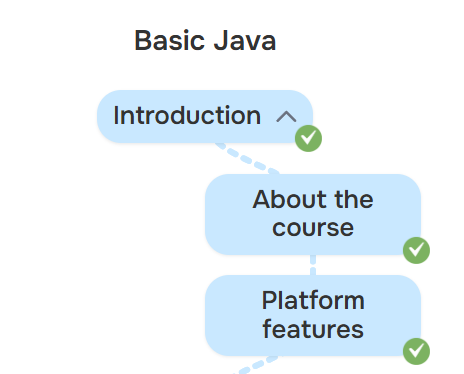
On the course page, choose a topic and move through it from top to bottom. Nested materials can be expanded directly in the roadmap, and completed pages can be marked as finished. Once you sign in, your progress is saved automatically.
Practice without a separate “world of exercises”
After the theory, move on to practice for the same topic. You can start solving exercises right away, or get to them through the separate “Practice” section. In Ranked mode, you complete exercises, advance the topic progress, and earn rating points. The Exam is meant for a separate knowledge check: it puts together random exercises and does not affect your rating.
See what is already working
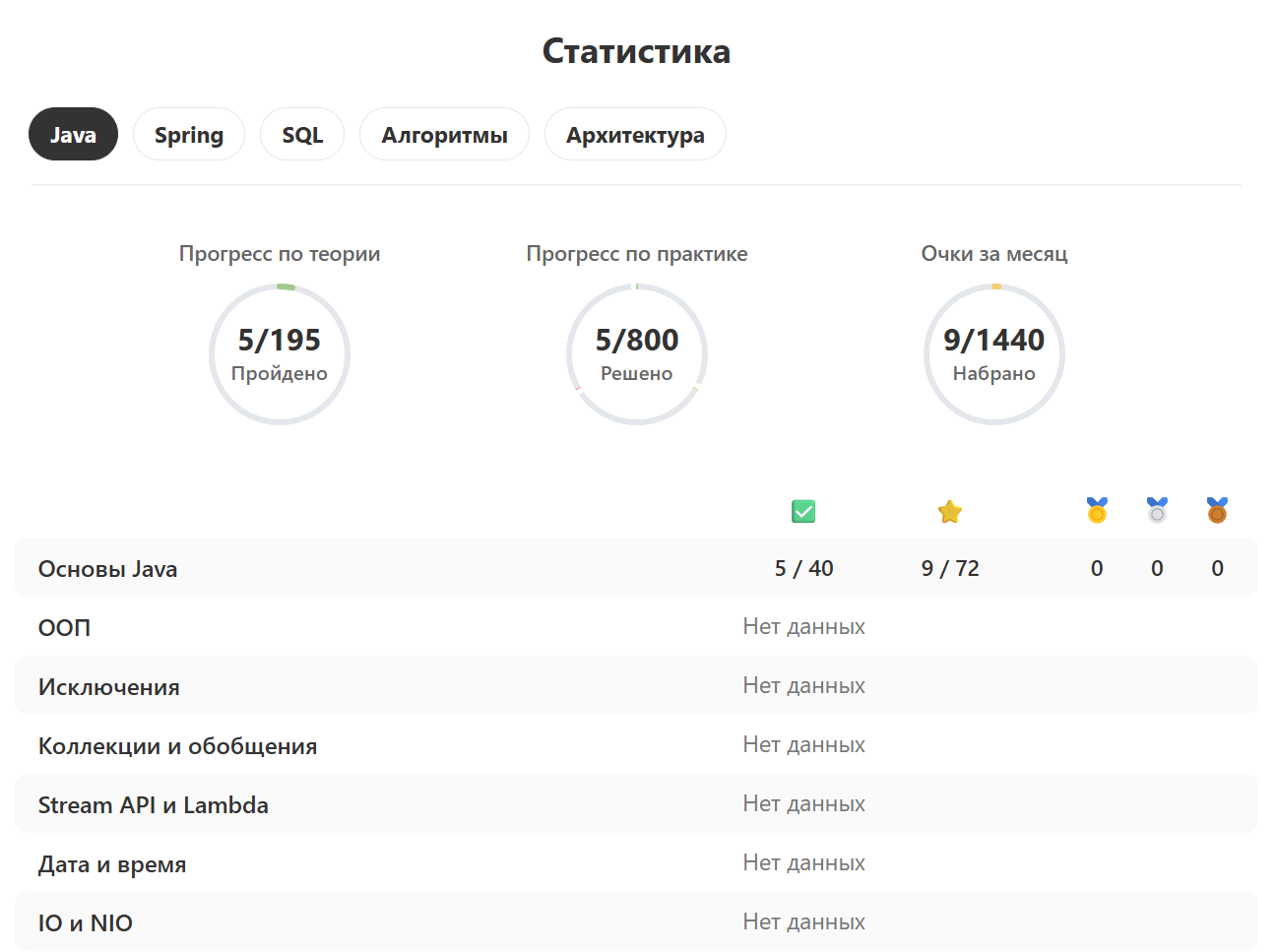
Your profile contains statistics for theory and practice. They are not there just for nice-looking percentages, but to help you quickly see which topics you have already mastered confidently and where there are still gaps.
Interview preparation
The “Questions” section contains questions from technical interviews. You can filter them by topic and company, so there is no need to scroll through everything: choose the area you need and work through it directly.

Premium unlocks advanced platform materials, including detailed solutions to interview questions.
If you notice an error or want to suggest an improvement, message us on Telegram or email support@java-hub.com.